
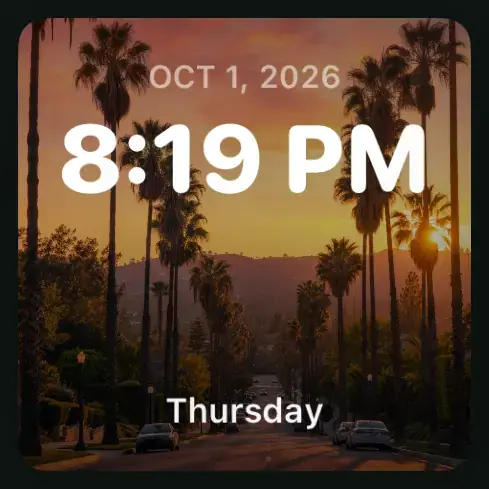
Clock & date
Keep the time in view with a photo background and a clock layout you like.
- Make it yours
- Background, clock style and accent color
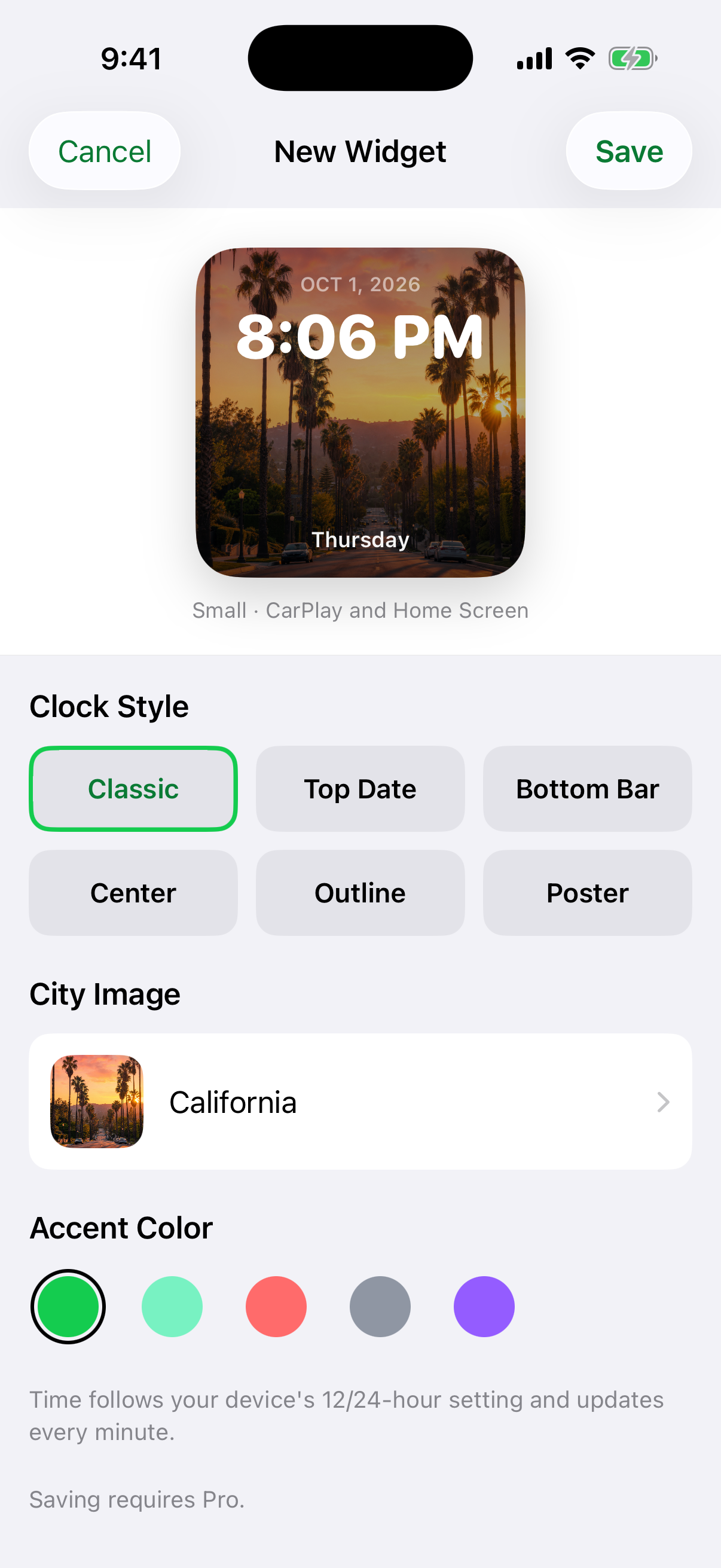
Clock styles: Classic, Top Date, Bottom Bar, Center, Outline or Poster.
See the full iPhone editor
CarPlay widgets app · iOS 26 & iOS 27
Car Play Widgets is an iPhone app by N5 Labs for your car, photos, dates and personal designs. Add widgets to a compatible CarPlay dashboard, and use Apple Shortcuts for a custom connection sound. Design widgets free, save them with Pro, then add them in iPhone Settings. CarPlay widgets need iOS 26 or later.[2]

 Scan to install
Free to browse and customize · saving needs Pro[1] · iOS 17+ to install
Explore Car Play Widgets
Browse iPhone app captures, see what you can customize and open the matching setup guide. CarPlay layouts vary by display.
Browse and customize free. Saving a widget requires Pro. CarPlay widgets need iOS 26 or later and a display that supports widgets.
Keep the time in view with a photo background and a clock layout you like.
Clock styles: Classic, Top Date, Bottom Bar, Center, Outline or Poster.
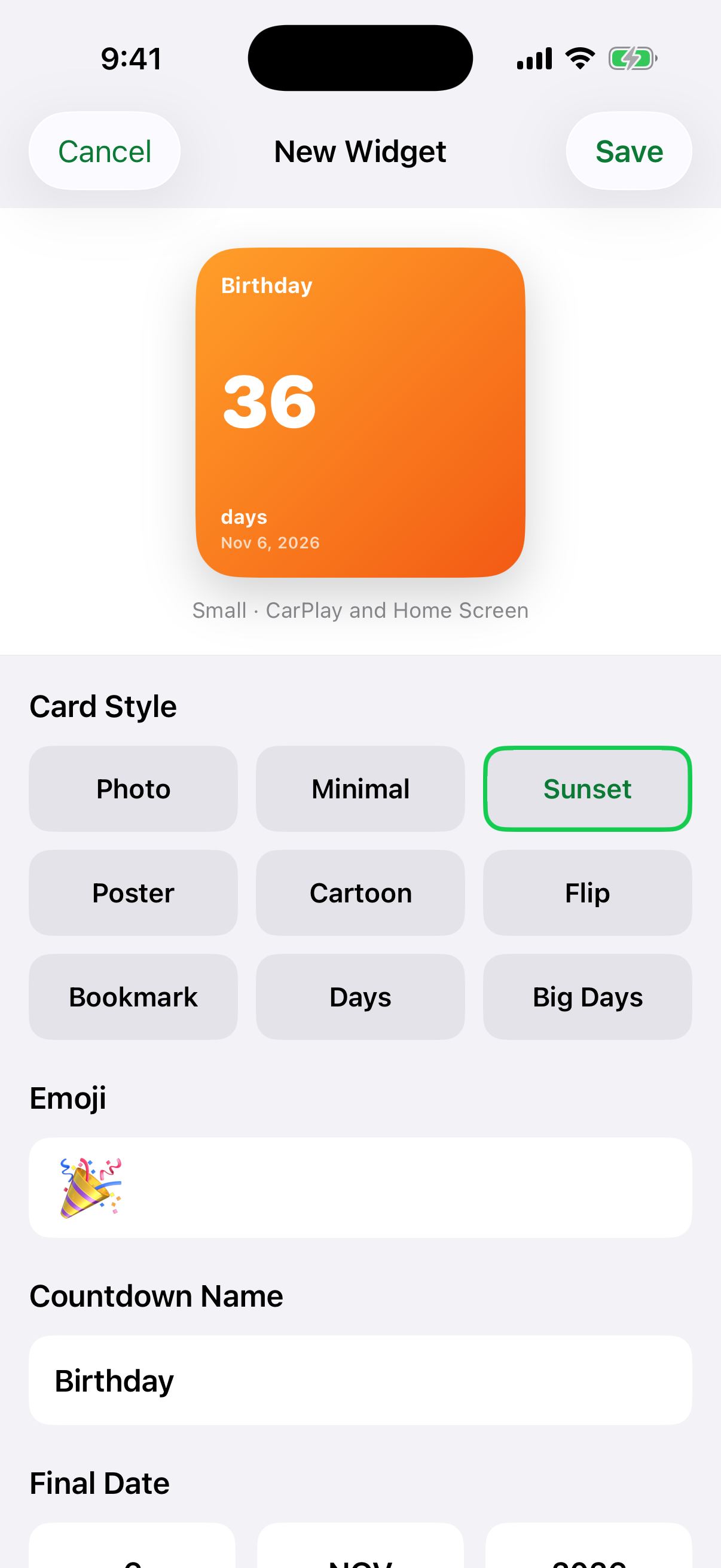
Count down to a birthday, a trip or another date that matters to you.
Countdown styles: Photo, Minimal, Sunset, Poster, Cartoon, Flip or Bookmark; day counters: Days and Big Days.
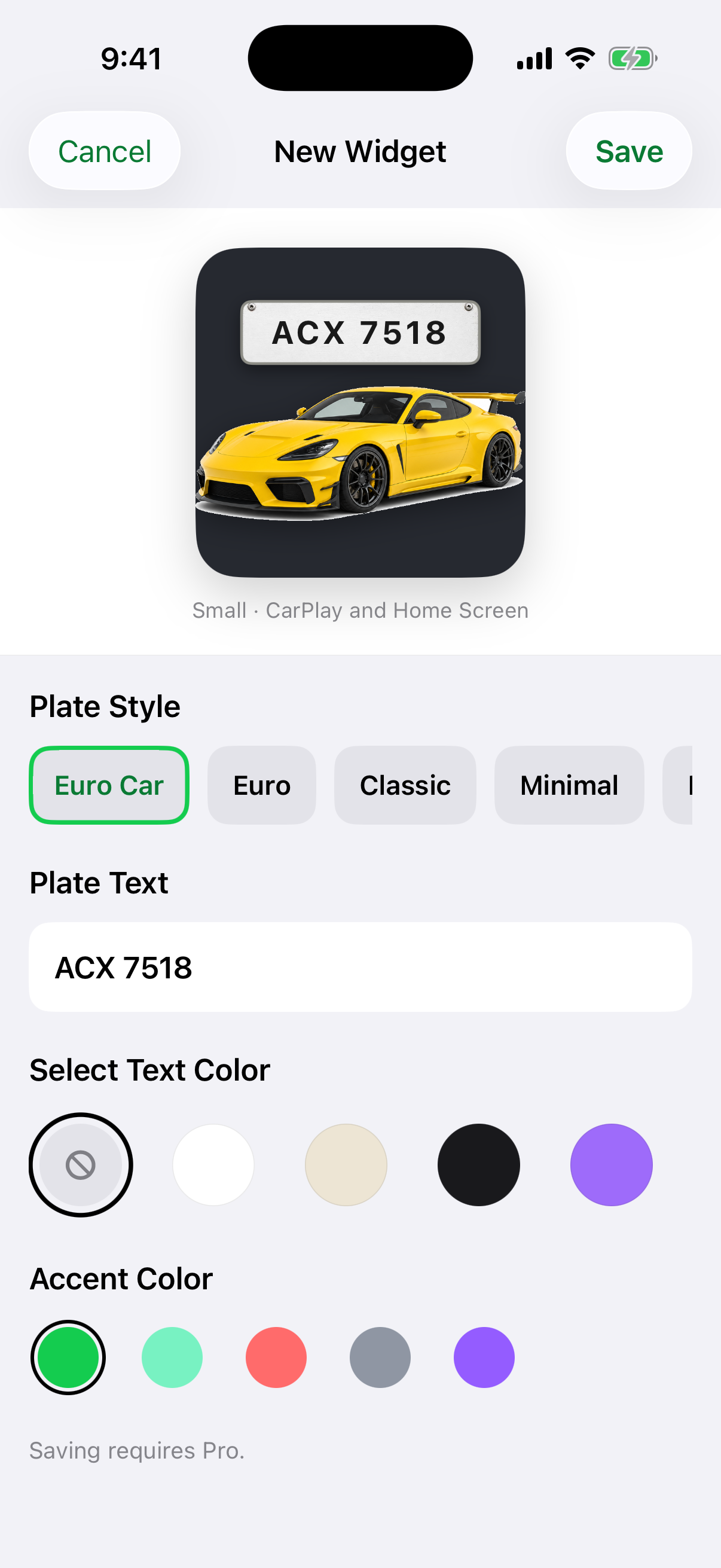
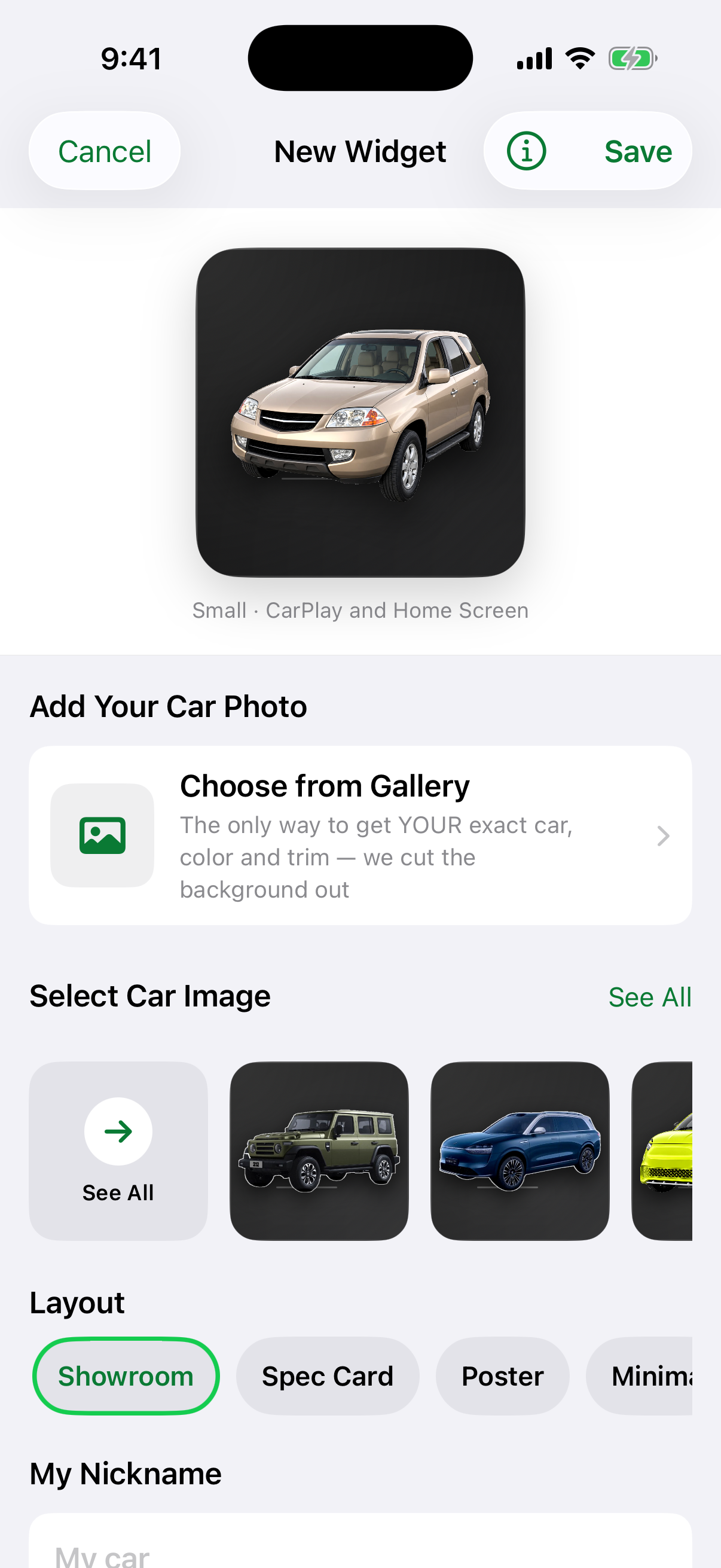
Start with car artwork and make it personal with your own decorative plate text.
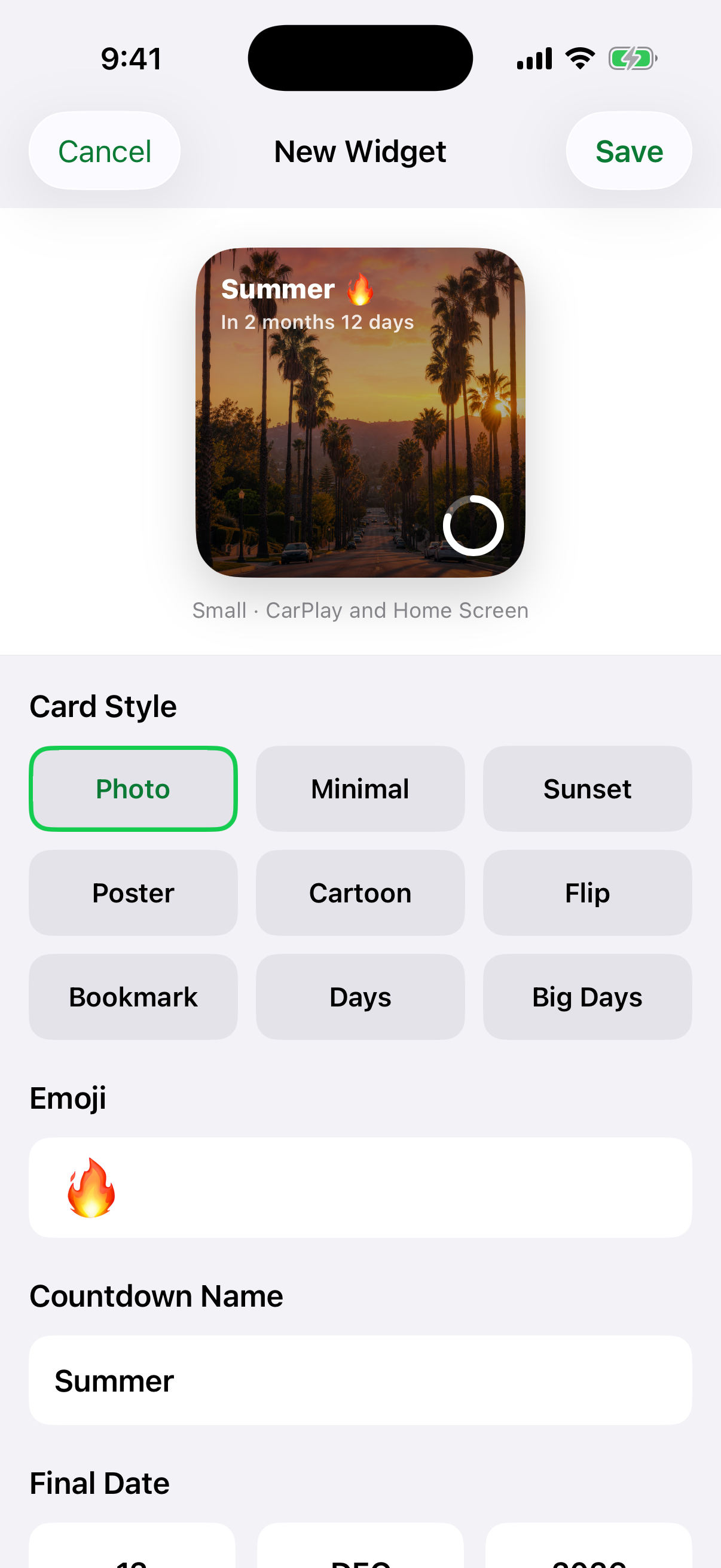
Give a meaningful date a personal backdrop using a photo you choose.
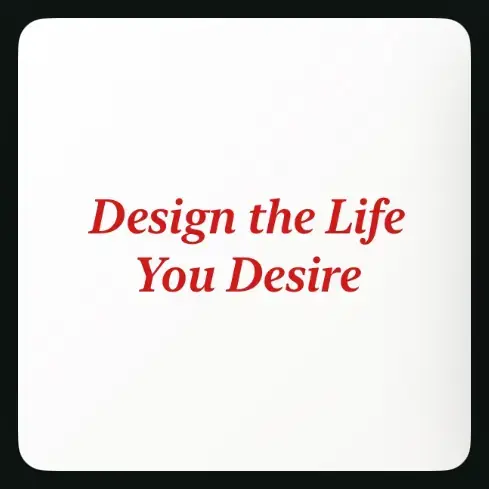
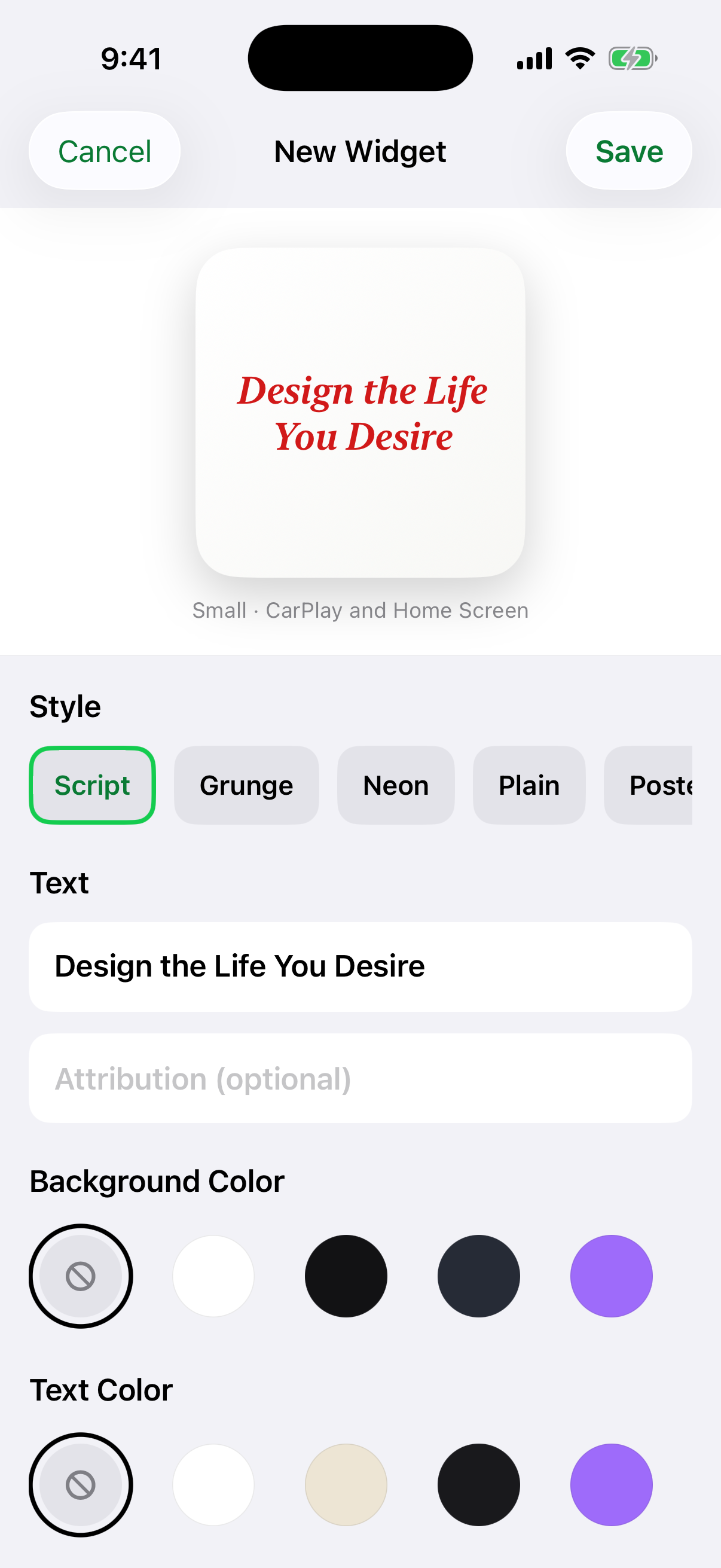
Write your own greeting, affirmation or a short line you want to keep close.
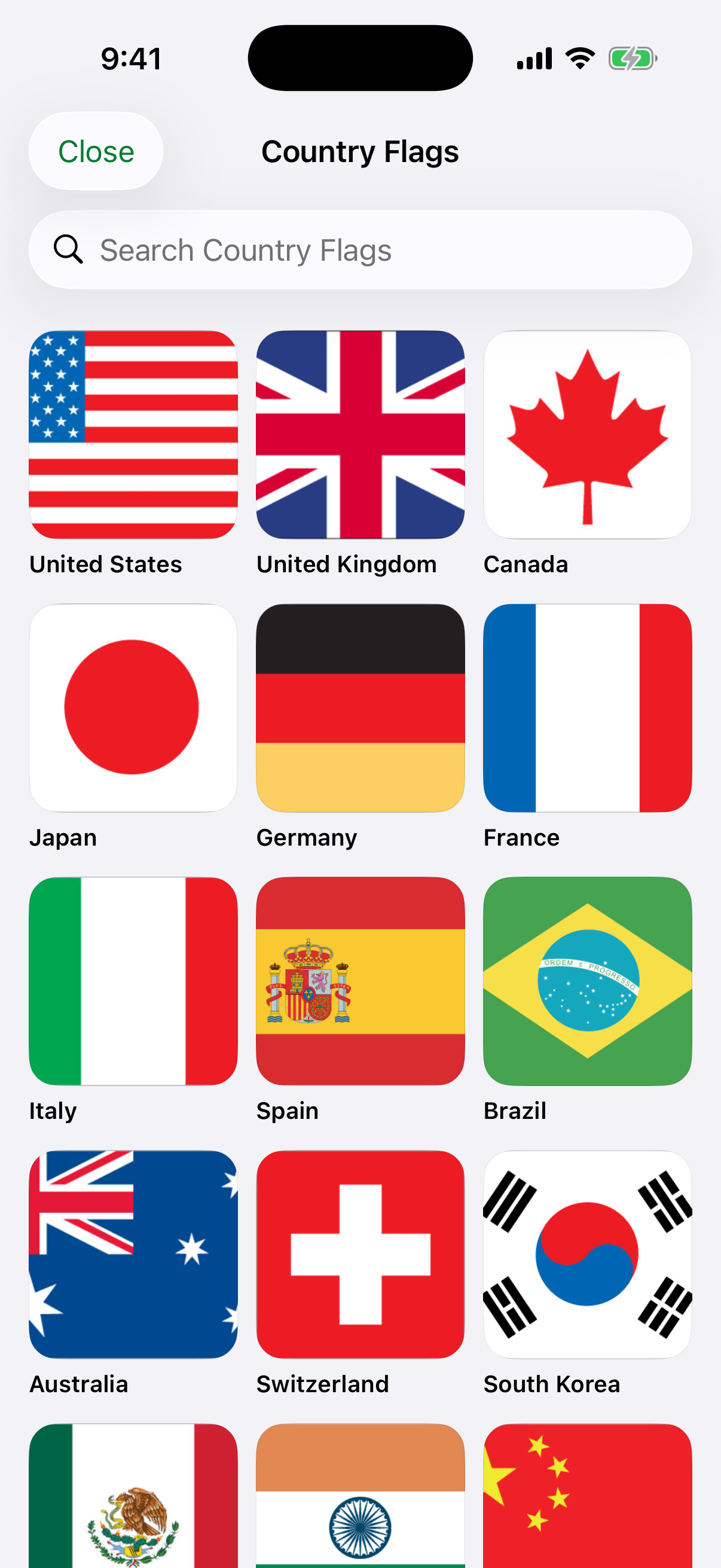
Browse or search the country collection and choose a flag for your setup.
Choose vehicle artwork or begin with a photo of your own car in the iPhone editor.

A moon-phase design for a quieter addition to your widget collection.
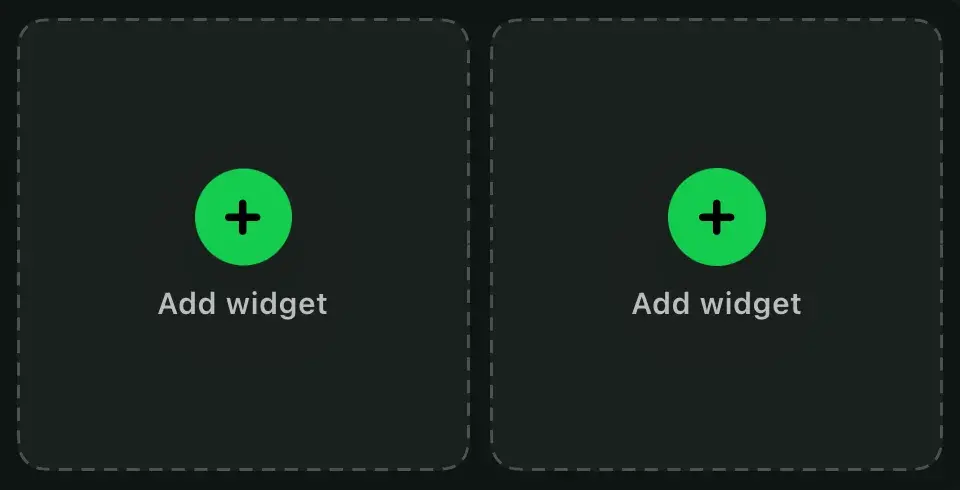
Choose one of the two preview slots, then pick a design. This illustration lets you try a pairing before making your widgets in the app.
Make a car widget ↗Slot 1 selected. Vehicle in slot 1; Date in slot 2.
Sounds · Apple Shortcuts
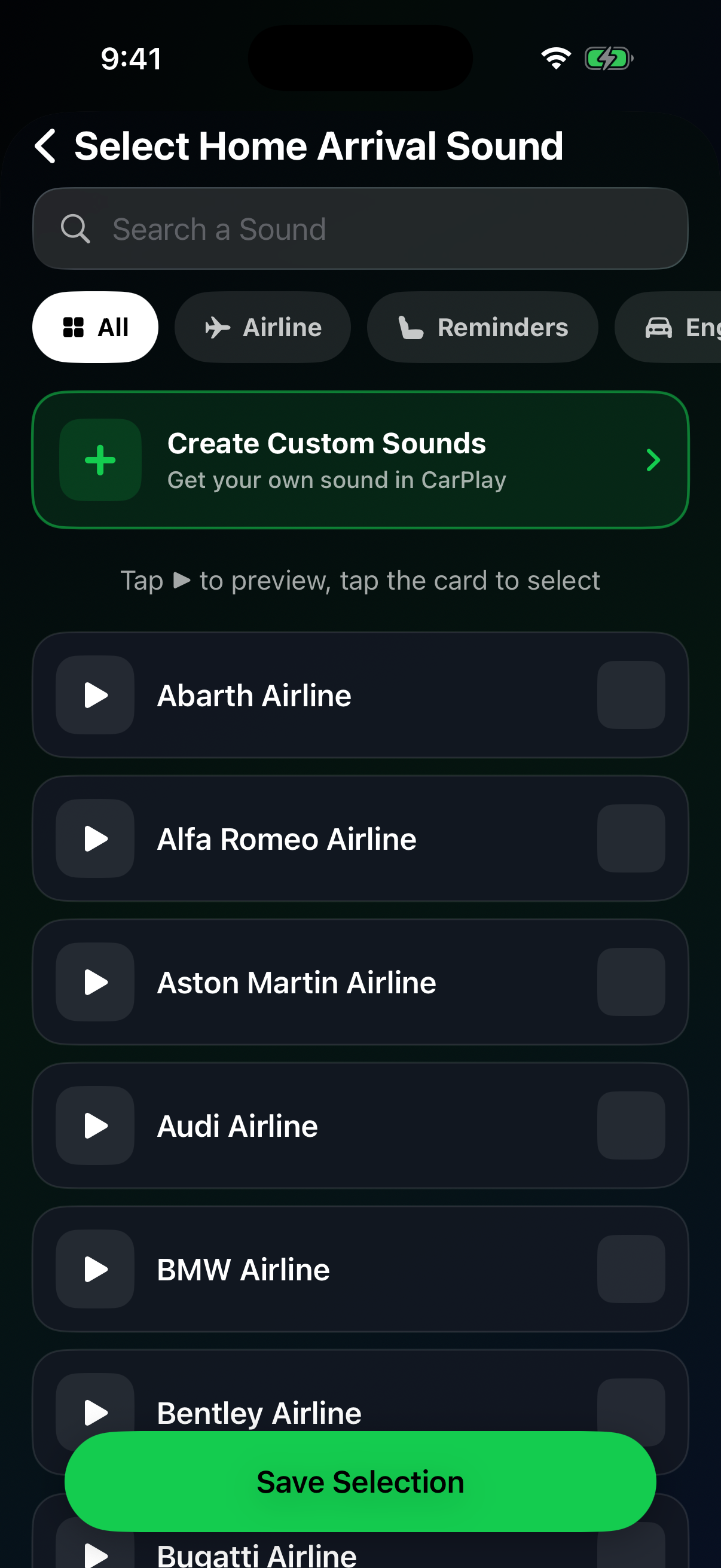
Choose a sound in Car Play Widgets, then use Apple Shortcuts to play it when CarPlay connects or disconnects. Set it up and test it while parked.
14 catalog sounds are free to use. Other catalog sounds and saving your own audio require Pro. Saving widgets also requires Pro. These sound options are verified for version 1.5.
The app supplies the sound action. It does not replace your car’s built-in startup sound.
CarPlay support alone does not confirm widget support. We don’t yet have verified model-by-model results. Check your iPhone and display before saving a design with Pro.
| On your dashboard | Car Play Widgets |
|---|---|
| Clock, date and countdown widgets | Yes, on a supported display |
| Your photos and personal text | Yes, inside widgets |
| Connection and disconnection sounds | Yes, with Apple Shortcuts |
| Country flags and decorative car artwork | Yes, choose a style in the app |
| Live vehicle data or location tracking | No |
| Your photo as CarPlay wallpaper | No — use Apple’s wallpaper choices |
| Change CarPlay’s layout or play video | No |
| Synchronized lyrics or karaoke in 1.5 | No — text cards show words you type |
US App Store average
Ratings in the US storefront
Ratings can change
No. carplayscreen.com is an independent site made by N5 Labs. It is not affiliated with Apple Inc.
N5 Labs, an independent iOS studio. Its App Store ID is 6785215625, and the iPhone lists it as Car Widgets. It is a different app from HiCar and from myCar.
Apple's guide says to choose one of the available wallpaper options. It has no step for adding a photo. A photo goes in a widget instead.
CarPlay widgets need iOS 26 or later, which includes iOS 27, and a CarPlay display that shows widgets. The app itself installs on iOS 17 or later.
It is free to download, and browsing and customizing designs are free. Saving a widget requires Pro, a weekly or yearly subscription with no free trial. On October 5, 2026 the weekly plan was $4.99 in the US. The app shows the current weekly and yearly prices before you buy.
No. It does not read vehicle data, so it cannot show live speed, fuel, mileage or range, and it does not ask for location access.
Car Play Widgets 1.5 has no synchronized lyrics. Its text cards show words you type yourself.
Choose or import a sound in the app, then create an Apple Shortcuts automation for connecting to CarPlay, disconnecting or arriving home. The app does not replace your car’s built-in startup sound.
Yes. Use your own photo inside a widget and personalize its design in the iPhone app. This does not change the CarPlay wallpaper or let the app control your dashboard layout.
Car Widgets is its shorter iPhone display name. The App Store listing is Car Play Widgets: Dashboard by N5 Labs.
carplayscreen.com is published by N5 Labs, the developer of Car Play Widgets: Dashboard. Apple's behavior on this page comes from the Apple pages below. App facts come from the App Store listing and from the app. Apple pages read on October 7, 2026:
Pictures captioned Illustration are made with an image generator. They do not show a real car or a real CarPlay screen. In some, the screen shows captures of the preview inside our iPhone app, placed on the picture. In others, the image generator copied widgets from captures of our app. A real CarPlay screen shows widgets differently, and we have not yet looked at ours on one.
How we check facts: Editorial policy and methodology. Who we are: About carplayscreen.com. Terms used on this site: CarPlay glossary.
Try the designs before you pay. Browsing and customizing are free. Saving a widget requires Pro, a weekly or yearly subscription with no free trial.
Get Car Play Widgets ↗Car Play Widgets: Dashboard by N5 Labs · iOS 17+ to install